Practical React & Next.js for Sri Lankan E-commerce
in Web DevelopmentAbout this course
Practical React & Next.js for Sri Lankan E-commerce
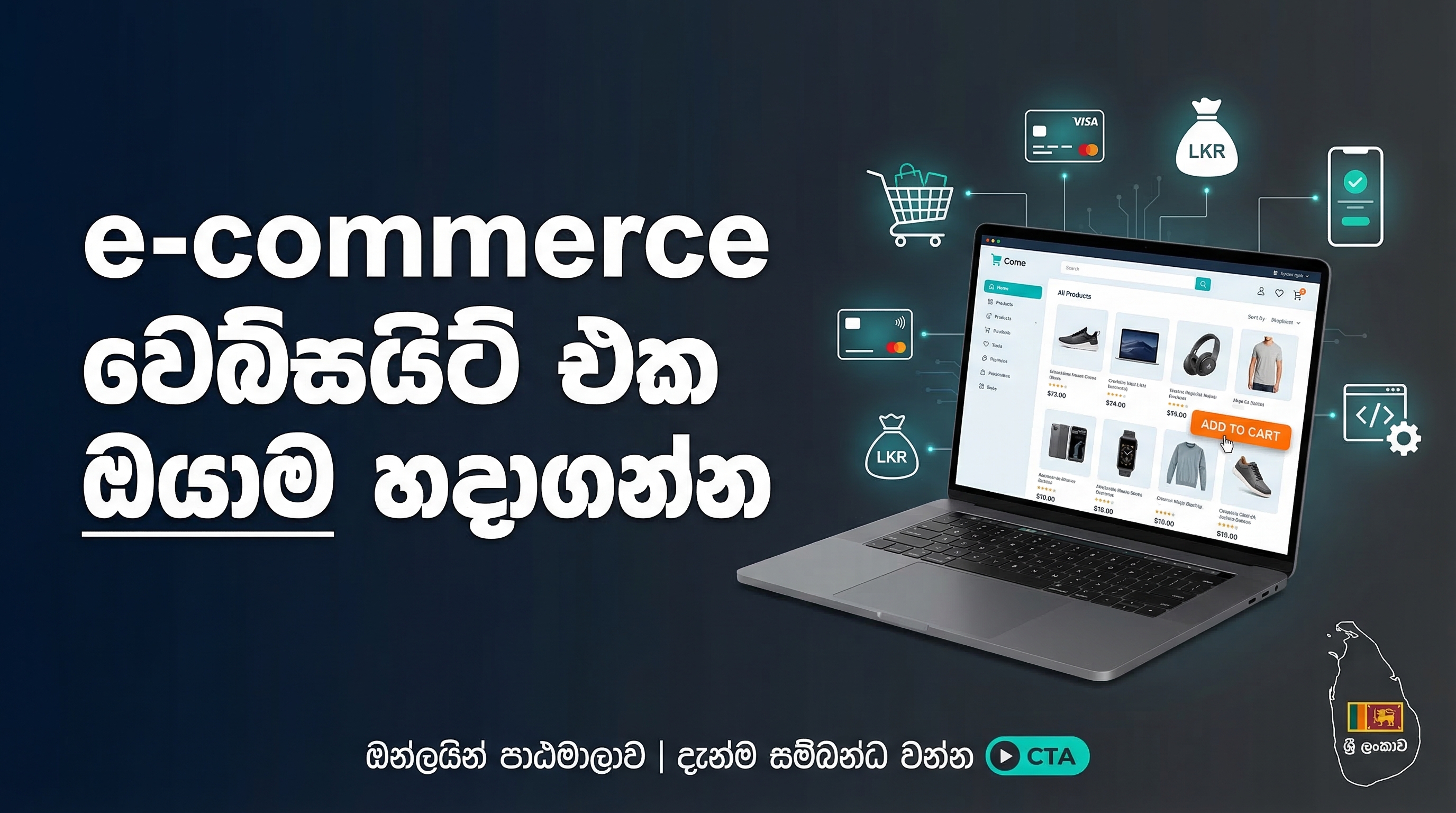
This course is designed for developers who already have a foundation in HTML, CSS, and JavaScript, and are eager to build modern, high-performance web applications using React and Next.js. Focusing specifically on the Sri Lankan e-commerce ecosystem, this course empowers you to create a fully functional online store tailored to local business needs.
What You Will Learn
- Why React and Next.js are ideal for Sri Lankan businesses, including market demand and job opportunities.
- Setting up your development environment and creating your first Next.js app.
- Building reusable components using JSX syntax.
- Designing product pages and dynamic routes for individual products.
- Creating product listing pages with filters, search functionality, and responsive grid layouts.
- Implementing a shopping cart using React hooks, with persistent data via local storage.
- Integrating local Sri Lankan payment gateways such as PayHere, FriMi, and Genie.
- Building order confirmation pages with email notifications.
- Preparing your application for production and deploying it to Vercel with custom
.lkdomains. - Optimizing your site for Sri Lankan users with image optimization, lazy loading, and mobile performance enhancements.
Course Outcome
By the end of this course, you will have a fully operational e-commerce platform, ready for real-world deployment in Sri Lanka. You will gain practical skills in React and Next.js development, payment integration, and site optimization, providing a portfolio-ready project to showcase to employers or clients.
Requirements
Operating System: Windows 10/11, macOS (10.15 or newer), or Linux (Ubuntu 20.04+)
RAM: Minimum 4GB (8GB recommended)
Processor: Any dual-core processor or better
Storage: At least 5GB of free space
Internet Connection: Broadband connection (at least 2Mbps) for downloading packages and watching videos
FAQ
Comments (0)
This introductory lesson sets the stage for your learning journey. You'll discover why React and Next.js have become essential skills for web developers in Sri Lanka's growing digital economy. We'll explore real market data showing the demand for these technologies, the types of jobs available, and the exciting projects you'll be able to build after completing this course. By understanding the "why" before the "how," you'll stay motivated and focused on learning skills that actually pay.
Before writing code, we need to set up your computer with the right tools. This hands-on lesson guides you through installing Node.js and npm (Node Package Manager) on your Windows or Mac computer. You'll then create your very first Next.js application using the create-next-app command. Finally, we'll explore the folder structure of a Next.js project so you understand where everything goes. By the end of this lesson, you'll have a running Next.js application on your local machine.
Components are the building blocks of React applications. In this lesson, you'll learn what components are and why they make web development easier and more organized. You'll build a reusable header component for your e-commerce site and learn JSX (JavaScript XML) syntax with practical examples. This lesson establishes the foundation for thinking in React and creating reusable pieces of code.
Every e-commerce site needs to showcase products effectively. In this lesson, you'll create a reusable product card component that displays product images, titles, prices, and "Add to Cart" buttons. You'll learn how to structure product data and style your components using CSS modules for clean, maintainable code. By the end, you'll have beautiful product cards ready to display on your site.
When users click on a product, they expect to see detailed information. This lesson introduces Next.js file-based routing and shows you how to create dynamic routes like /product/1, /product/2, etc. You'll learn to extract URL parameters, fetch the correct product data, and build detailed product pages with images, descriptions, and purchase options. This is where your site starts feeling like a real e-commerce platform.
A good product listing page helps users find what they're looking for. In this comprehensive lesson, you'll build a full product listing page with a responsive grid layout. You'll implement category filtering so users can browse specific product types, and add search functionality to find products by name or description. You'll also learn pagination techniques for handling large product catalogs efficiently.
State management is crucial for interactive applications. This lesson introduces React Hooks, specifically useState and useEffect, and shows how they revolutionize state management in React. You'll create a shopping cart system that can add items, track quantities, and manage the entire cart state. You'll also learn about the Context API to make cart data available throughout your entire application without prop drilling.
Now that you have cart data, it's time to display it beautifully. In this lesson, you'll build a dedicated cart page showing all items with their quantities and prices. Users will be able to update quantities directly from the cart or remove items they no longer want. You'll implement real-time total calculations and create an order summary section. This page becomes the bridge between browsing and purchasing.
Nothing frustrates users more than losing their cart items when they close the browser. This lesson teaches you how to use the browser's localStorage API to save cart data permanently. You'll learn to save the cart whenever it changes and load it back when the user returns, even days later. We'll also cover advanced topics like cart expiry and handling edge cases, ensuring a professional user experience.
Sri Lanka has a unique payment ecosystem with multiple options for online payments. This lesson provides a comprehensive overview of local payment gateways including PayHere, FriMi, and Genie. You'll understand how each works, their fee structures, and which one is best for different business types. Most importantly, you'll learn the general flow of how payment gateways work, preparing you for the hands-on integration in the next lesson.
This is the most valuable lesson in the course. You'll learn to integrate PayHere, Sri Lanka's leading payment gateway, into your e-commerce site. We'll walk through setting up a PayHere business account (including sandbox mode for testing), creating a secure payment button, and handling the complete payment flow. You'll understand how to send order data to PayHere and receive confirmation when payments succeed or fail. By the end, you'll have a working payment system that accepts real Sri Lankan payment methods.
After successful payment, customers need confirmation and reassurance. This lesson teaches you to create a beautiful order confirmation page showing all purchase details. More importantly, you'll learn to implement email notifications that send order summaries to customers. You'll also understand how to save order data for your records and handle the post-purchase flow professionally.
Development is only half the journey; deployment makes your site accessible to the world. This lesson covers essential preparation steps before going live. You'll learn about environment variables to securely store API keys and secrets, how to create an optimized production build, and important security considerations. We'll also discuss performance optimization techniques to ensure your site loads quickly.
Vercel is the perfect hosting platform for Next.js applications, created by the same team that built Next.js. In this lesson, you'll deploy your CeylonMart site to Vercel's free tier. You'll connect your GitHub repository for automatic deployments whenever you push code changes. Most excitingly, you'll learn to set up a custom .lk domain (like yourbusiness.lk) for a professional Sri Lankan presence. Your site will be live and accessible to customers!
Images are typically the largest files on any website. In Sri Lanka, where many users browse on mobile data, image optimization is critical. This lesson teaches you to use Next.js's built-in Image component for automatic optimization. You'll learn to convert images to modern WebP format (25-35% smaller than JPEG), implement lazy loading so images load only when needed, and follow best practices that make your site feel instant even on slower connections.

.png)